HowTo: Forwarding Calls in DialPad
Forwarding Calls in Dialpad
Forward your calls to another team member or Department when you are out of office or away
1. Go to https://www.DialPad.com, select "Login"

2. Click "Log in with Microsoft"
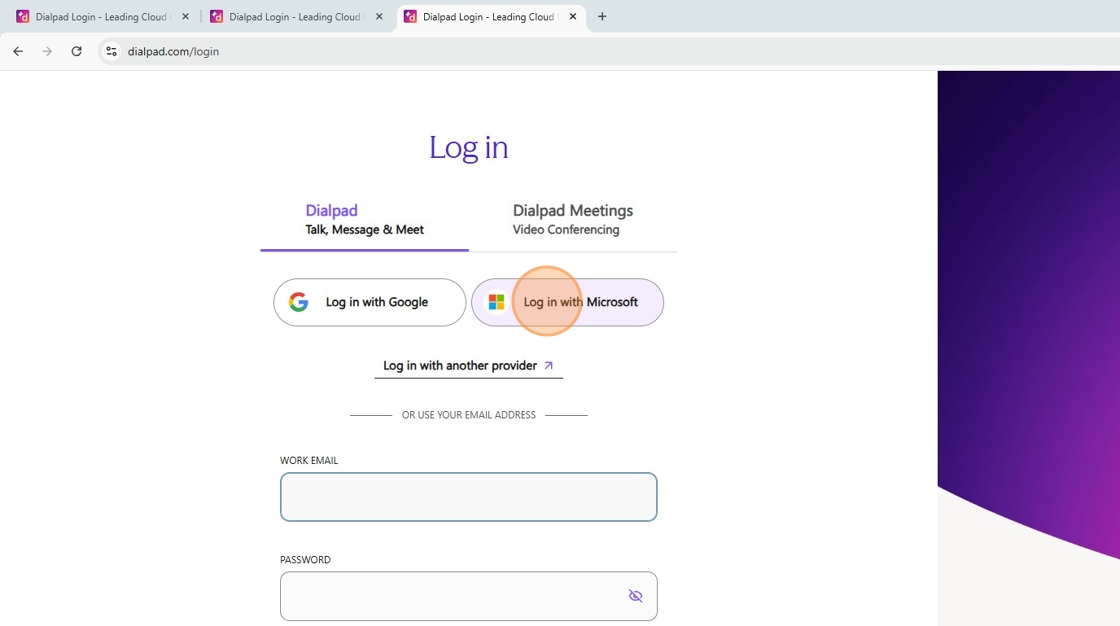
3. Click "Sign in to your account"
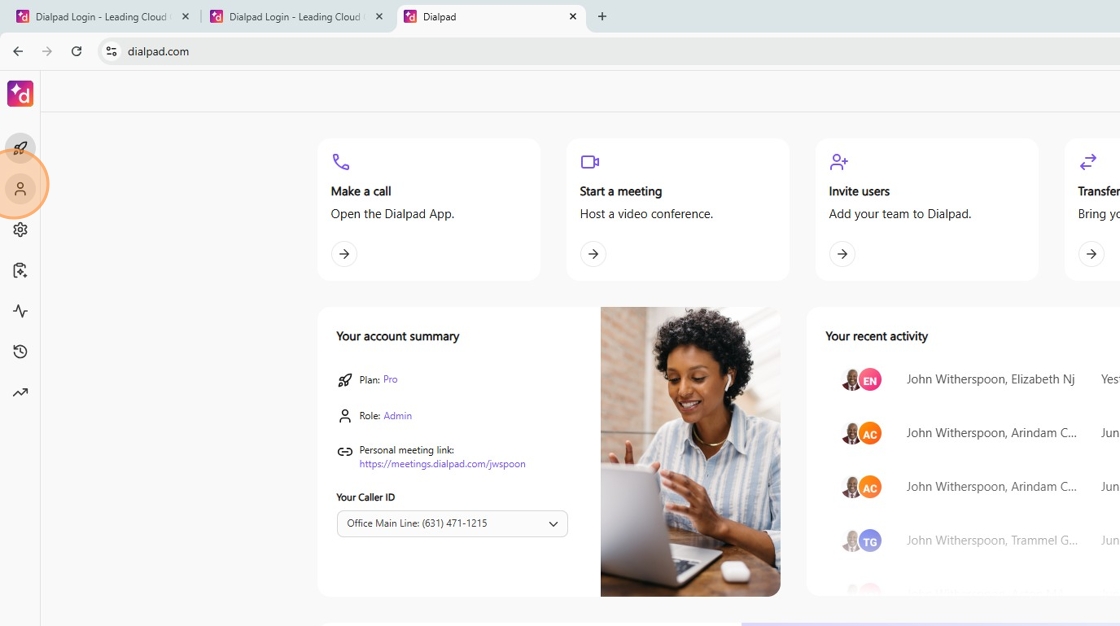
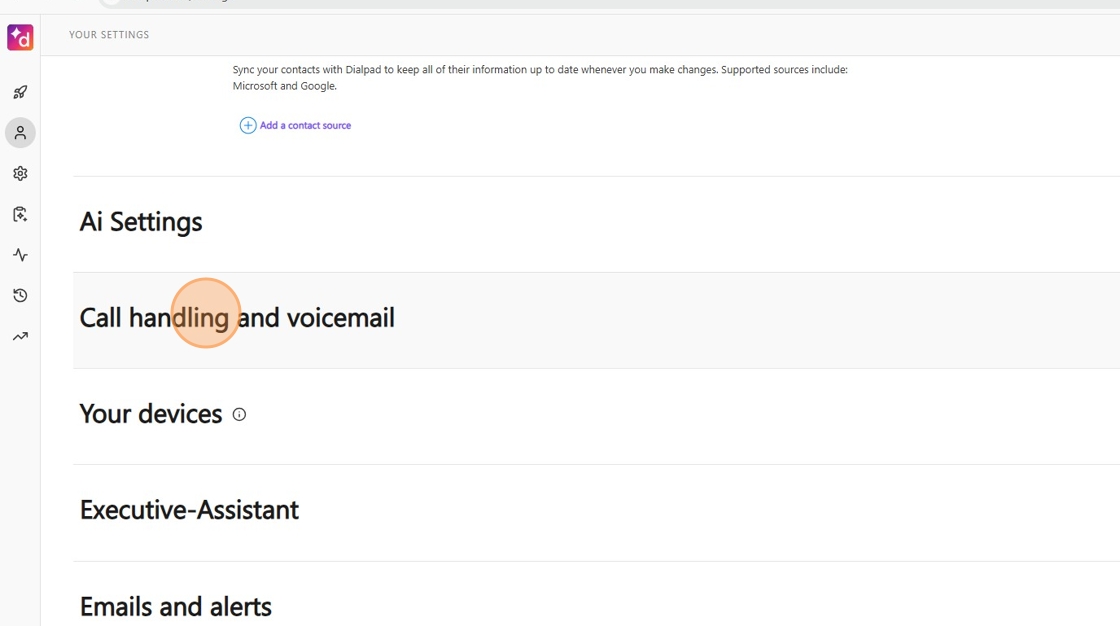
5. Click "Call handling and voicemail"
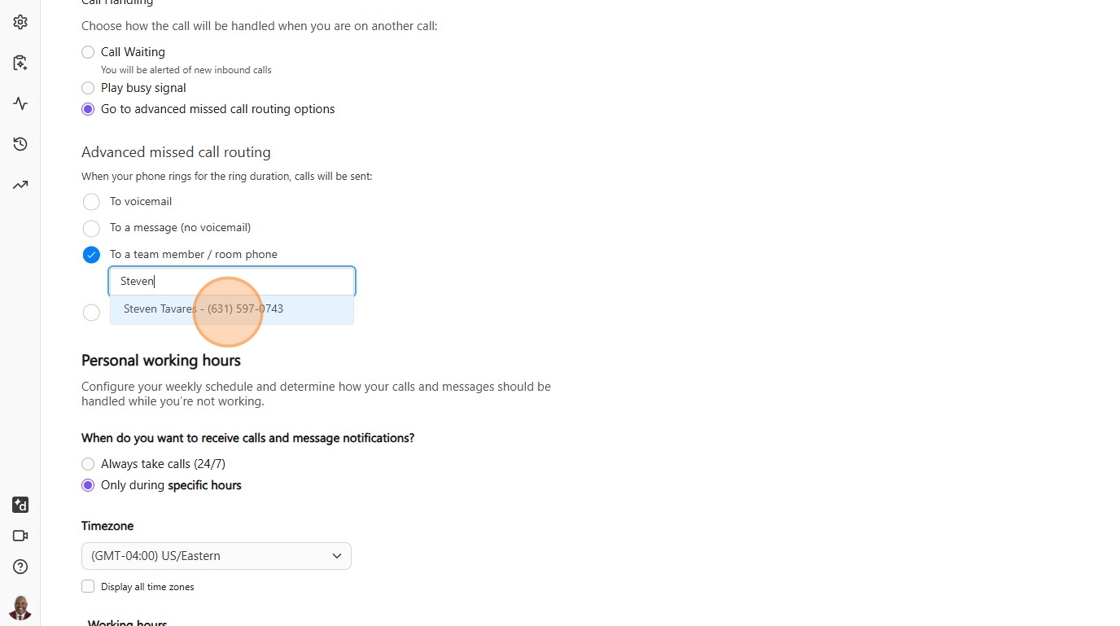
6. Select the option for forwarding your calls (Team, Phone or Department)
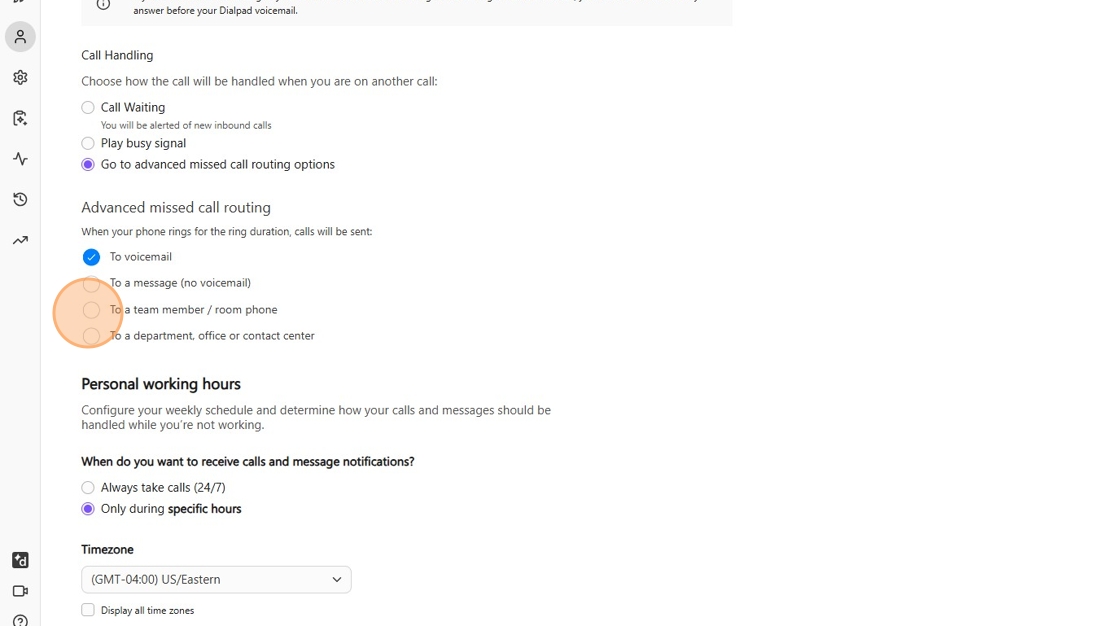
7. Click "Find a team member or Department"
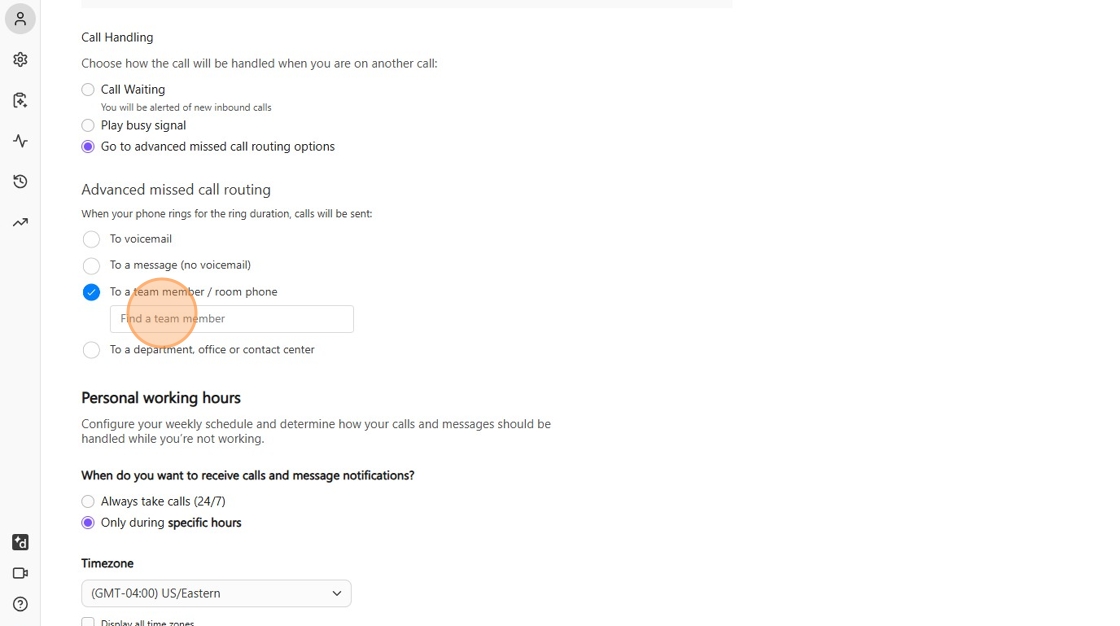
8. Select the person or team to forward your calls to. Changes are saved automatically.